
I did not buy the Twotrees TTS-55 Pro because I needed another project. I bought it because my garage workshop had become a place where I started projects and then waited. I make laser cut and scroll-cut ornaments, small signs, and wreath pieces for two church craft fairs every year, and for six years my workflow included a lot of waiting: waiting for a machine to finish, waiting to see if a setting would work, waiting to recut the same plywood star because the first pass had burned through the back. The Twotrees TTS-55 Pro was my attempt to stop that cycle.
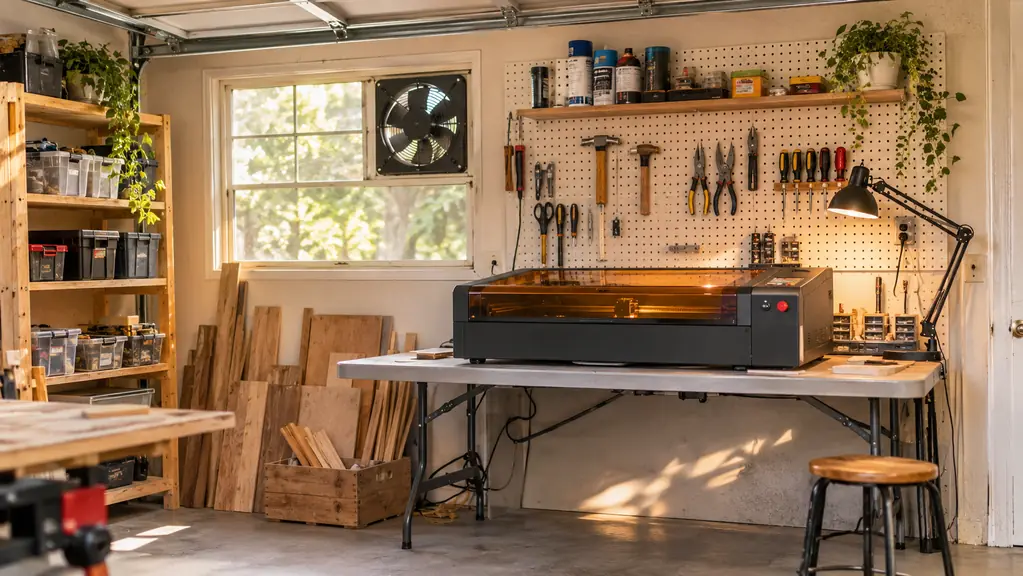
Before I go further, I should be clear about the kind of review this is. I am not a lab tester and I do not have a dial gauge or a calibration certificate. I am a retired school librarian with a converted one-car garage, a pegboard wall, a folding work table, and a window vent fan. I have spent the past several months using this machine for the same jobs I would give any engraver: cutting plywood ornament blanks, engraving names and dates into oak slices, and testing how far I can push acrylic before it melts. This is that story.
The Quick Verdict
A solid 5.5W desktop engraver that earns its place in a small workshop if you respect its limits. It cuts plywood, acrylic, and leather well, but it is not a production machine.
Amazon Check Today's Price →Ready to stop waiting on a machine that can't keep up?
The Twotrees TTS-55 Pro has handled a full season of ornament blanks, signs, and test cuts in my garage. See today's price on Amazon and decide if it fits your workbench.
Amazon Check Today's Price on Amazon →How I've Used It
I set the Twotrees TTS-55 Pro up on the folding work table next to the window vent fan. The machine weighs 8.23 pounds and measures 10 by 4.97 by 7 inches, so it does not need a dedicated stand. It sits on the same table where I stack wood blanks when I am not engraving. That matters in a one-car garage where every square inch has a job.
I have used it for three main kinds of work. The first is cutting 5mm plywood into ornament shapes. The second is engraving text and simple line art onto finished blanks. The third is test cuts on acrylic and leather to see where the limits are. Over a long stretch of real use, I have kept a notebook of settings, feed rates, and failures. The notes are not pretty, but they tell the truth.
Most of my projects are small. A batch of twelve ornament blanks, a sign with a family name, a handful of wreath pieces. The TTS-55 Pro handles those comfortably. It is not a machine you set up for a week of production. It is a machine you use for an afternoon, put away, and bring out again when the next batch of ideas shows up.
I keep a small notebook next to the machine. Every time I try a new material, I write down the power, the speed, and the number of passes. That notebook has saved me more time than any upgrade. If I set the machine down for two weeks and come back to it, I do not have to relearn anything. I just open to the right page.
The 5500 mW Laser and Air Assist: What the Spec Sheet Actually Means
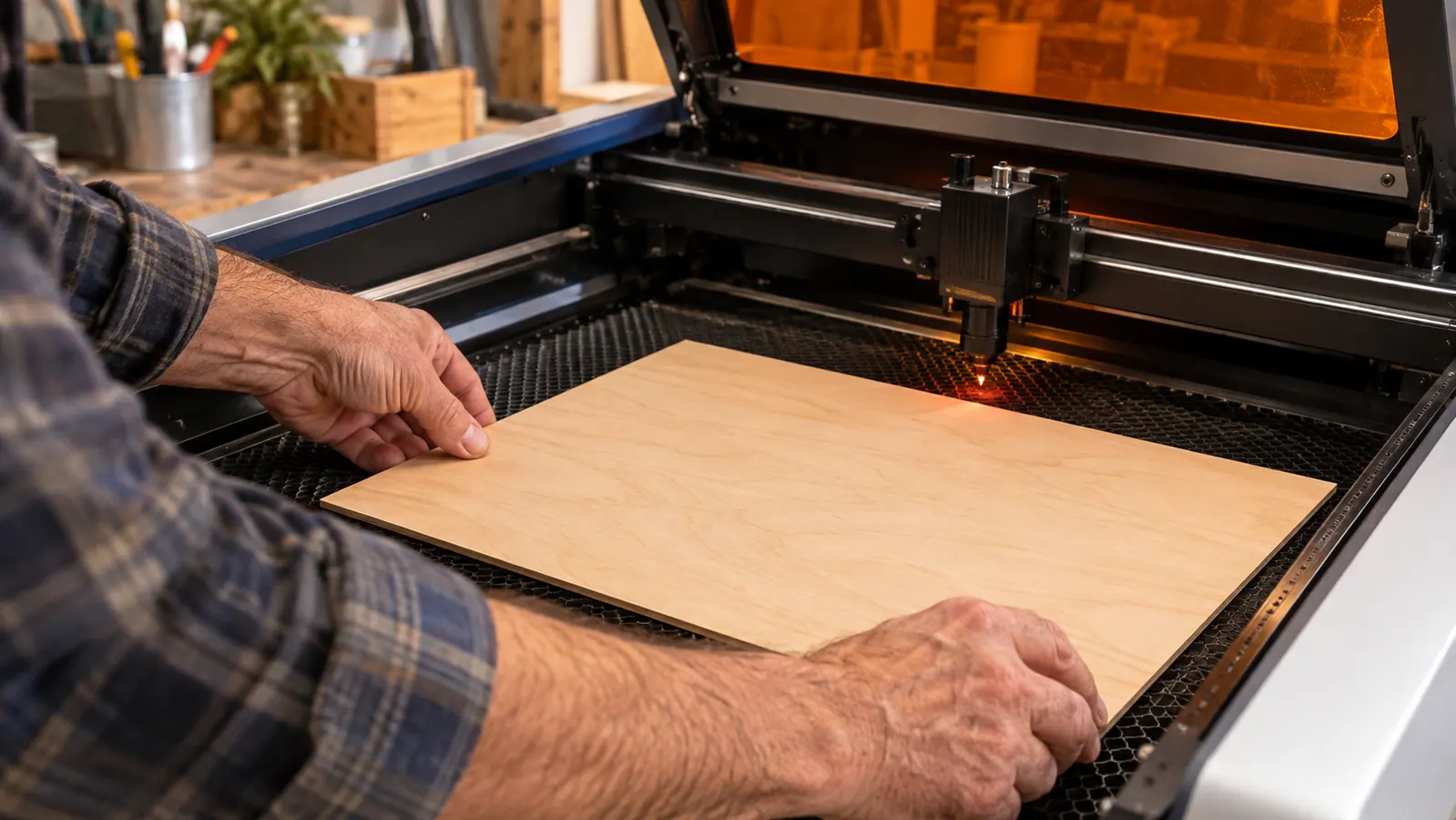
The headline number on this machine is the 5500 mW (5.5W) laser, listed as a Class II laser. In practical terms, that means it will cut through 5mm plywood, 3mm acrylic, and 0.7mm leather with patience and the right settings. I have cut all three. The plywood cuts cleanly when I run multiple passes at moderate speed. The acrylic cuts well in thin sheets. The leather engraves without the smell and char I expected, as long as I keep the power in check.
The air assist support is the feature I did not expect to care about. On a small engraver, a puff of air across the work area keeps smoke off the surface and reduces scorching on the edges of cuts. I noticed the difference most on plywood: with the air assist running, the cut edges stayed lighter and the detail on engraved text stayed sharp. Without it, the same settings left a brown haze on the surface.
One caution: the listing says the laser is Class II, and that is not a promise that you can watch it without protection. I treat it like any laser. I close the garage door, run the vent fan, and wear appropriate eye protection.
The numbers on the listing are honest, which is more than I can say for every engraver I have looked at. The 5.5W rating shows up in the work. It is not a 10W machine pretending to be a 5W machine, and it is not a 3W machine that struggles with plywood. It sits where the listing says it sits.
Cutting and Engraving Through a Full Season of Projects
I started with the project that had been waiting the longest: a set of plywood stars for the Christmas craft fair. I cut the first star with settings I guessed, and it came out with a charred edge and a broken point. The second star, after I slowed the speed and added a second pass, came out clean. By the tenth star, I had a repeatable process. That is the real story of this machine. It is not plug-and-play. It is learn-and-play.
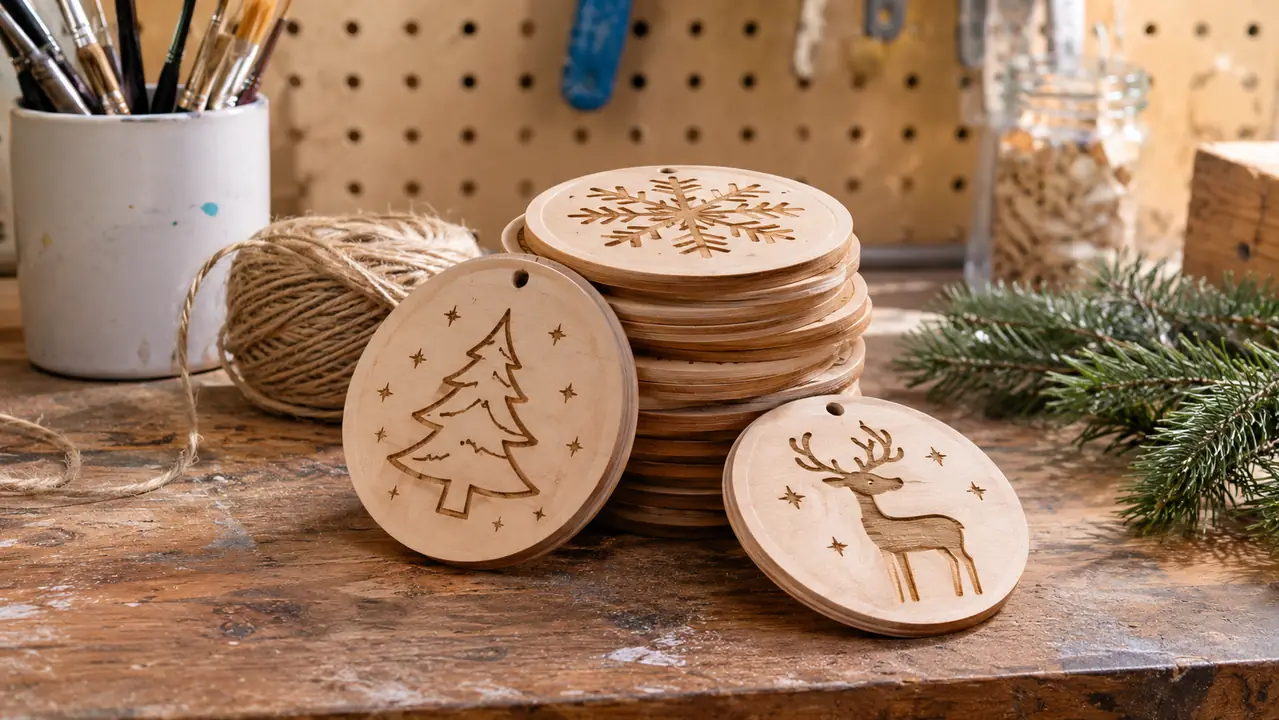
I also engraved names and dates into oak slices for a family friend's anniversary. The text came out readable and even, and the air assist kept the fine lines from filling with smoke residue. I have since done a batch of round wooden ornaments with simple line art, and the consistency from one piece to the next has been good enough that I do not sort the finished pile by quality anymore.
The acrylic test was the one that taught me respect. At 3mm, the machine cuts through, but it needs a slow speed and a steady hand on the settings. I melted one piece before I found the right combination. That piece is still on my shelf as a reminder. The leather, at 0.7mm, was easier: a clean engraving pass and a light cut pass produced a finished piece with no tears.
I have also used it for small personalized gifts: keychain blanks, a wooden bookmark, a set of coasters with a family initial. None of those are difficult cuts, but they are the kind of projects that pile up in a craft household. The TTS-55 Pro turned a stack of unfinished ideas into finished gifts in two afternoons.
The Assembly and Setup Reality
The Twotrees TTS-55 Pro arrives as a kit. The listing points to assembly video tutorials, and I will be honest: I watched the first one twice before I touched a tool. The build took me about an hour, and most of that time was spent checking that the moving parts were square and snug. If you have assembled a bookcase or a grill, you can assemble this.
One detail from the listing is worth repeating: if your computer runs Windows 10, you need to download the software before you start. I mention this because it is the most common reason a new owner thinks the machine is broken. The software setup is the part that takes patience, not the machine itself.
The machine itself weighs 8.23 pounds, so it is easy to move between the work table and a shelf. I have picked it up more times than I can count, and the weight feels right for a desktop engraver. It is not so light that it slides around while running, and not so heavy that I dread moving it.
The first power-on was anticlimactic, which is the best kind. I ran a simple test file, the laser fired, and the little plywood square came out with a clean edge. I had spent so long on the setup that I expected a problem. There was not one. That moment, more than anything else, is why I trust this machine now.
The second star, after I slowed the speed and added a second pass, came out clean. That is the real story of this machine: it is not plug-and-play, it is learn-and-play.
The Tradeoffs Nobody Puts in the Listing
Every review has cons, and this one has real ones. The first is the learning curve. The machine does not come preconfigured for every material. You will burn, melt, and waste a few pieces before you find the settings that work. That is normal, but it is also a cost in time and material that the listing does not mention.
The second tradeoff is the compact footprint. The machine is small, and that means I plan projects around a small work area. I work around this by cutting my blanks to size before engraving, and by planning layouts that fit. If your projects are bigger than the work area, this machine will feel small.
The third tradeoff is the software. The setup works, but it is not the kind of software you open and instantly understand. I spent an evening learning where the settings live, and I still keep a printed cheat sheet on the pegboard. If you are not comfortable with settings and test files, budget a weekend before your first real project.
The fourth tradeoff is sound. It is not loud, but it is present. In a garage workshop, that is fine. If you were hoping to run it in a shared apartment kitchen, the hum would be part of your day. I mention it because nobody else does.
There is also the matter of fumes. Any laser that cuts wood and acrylic produces smoke, and a garage workshop needs a plan for it. I run the window vent fan and keep the door cracked on warm days. The machine does not solve ventilation for you, and I would not expect it to at this size.
What I Liked
- 5500 mW (5.5W) Class II laser cuts 5mm plywood, 3mm acrylic, and 0.7mm leather
- Air assist support keeps edges cleaner and detail sharper
- Compact 8.23 lb footprint fits a folding work table
- Assembly tutorials and Windows 10 software download make setup straightforward
- Consistent engraving quality across a full batch of ornaments
Where It Falls Short
- Real learning curve; expect a few wasted test pieces
- Compact footprint means large projects need to be planned in sections
- Software setup takes an evening of patience
- No production speed; it is an afternoon machine, not a production line
Who This Is For
This machine is for the hobby crafter who wants to add engraving to a workshop without turning the garage into a factory. If you make ornaments, small signs, wreath pieces, or personalized gifts, the TTS-55 Pro can do that work well. It is also for the person who enjoys learning a tool. The first few test cuts will teach you more than any tutorial, and that is part of the appeal.
It is for someone like me: a retired librarian with two craft fairs a year and a stack of ideas that outgrows the scroll saw. I do not need a machine that runs all night. I need a machine that does a small batch of good work on a Saturday afternoon and then sits quietly until the next idea shows up.
If you are the kind of crafter who enjoys the setup as much as the finished piece, you will like this machine. There is a quiet satisfaction in dialing in a new material and watching the next piece come out better than the last. That is the real product here, and the TTS-55 Pro delivers it.
Who Should Skip It
If you need to cut thick hardwood or large sheets of material, this is not the machine. The 5.5W laser is for thin plywood, thin acrylic, and leather, not for dimensional lumber. I would also tell a friend to skip it if they want a machine that works perfectly on the first try with no test pieces. Every engraver has a learning curve, and this one is honest about its limits.
If you need production volume, look elsewhere. This is a desktop tool for personal batches and small gifts. It will not make you a business overnight, and it will not engrave a tabletop. What it will do is make a steady stream of small, finished pieces that look handmade in the best way.
I would also tell a beginner to think carefully about the software. If the idea of downloading software, watching tutorials, and running test files sounds like a chore, this machine will feel like homework. It is not a toy. It is a tool that asks for a little patience in exchange for good results.
Give the Twotrees TTS-55 Pro a real place on your workbench
After a long stretch of real use in a garage workshop, I keep coming back to the same conclusion: this compact 5.5W engraver is a fair trade for the learning curve. Check today's price on Amazon and see if it fits your next batch of ideas.
Amazon Check Today's Price on Amazon →