
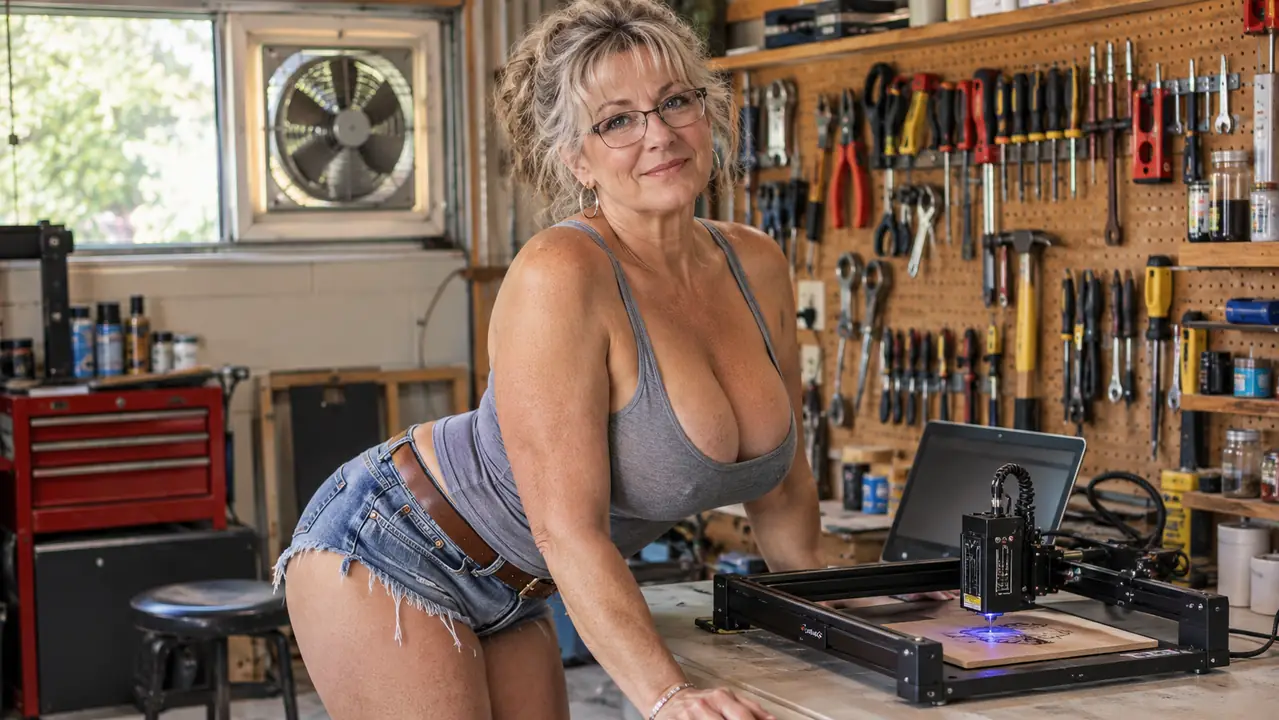
I have burned a lot of scrap plywood in six years of making ornaments, and I have learned to read a product page the way I used to read a student's book report: the claims are the easy part, the truth is in the details they leave out. So when the Twotrees TTS-55 Pro showed up in my garage workshop, I did what I always do. I cleared the folding work table, hung the vent fan in the window, and gave it six weekends of real use before I wrote a word about it.
This is the honest review I wish someone had handed me before I bought my first engraver. Not a spec sheet recital. Not a list of things the marketing team wants you to believe. Just what it is actually like to live with the Twotrees TTS-55 Pro when you are a 58-year-old retired librarian who makes wooden ornaments for two church craft fairs a year and gives the rest away to family.
The Quick Verdict
A capable little engraver that will do more than its price suggests, once you accept that it needs a patient owner and a well-ventilated room.
Amazon Check Today's Price →Want the honest version before you commit?
I tested the Twotrees TTS-55 Pro for six weekends so you do not have to guess. If you are ready to see today's price on Amazon, the button is right here.
Amazon Check Today's Price on Amazon →How I Used It
My workshop is a converted one-car garage. There is a pegboard wall, a folding work table, and a window vent fan that has earned its keep. The Twotrees TTS-55 Pro measures 10 x 4.97 x 7 inches and weighs 8.23 pounds, which means it does not take over the table the way I feared it would. I could set it up, use it for an afternoon, and still have room to paint the ornaments after they came out.
The first Saturday I set it up, I measured the corner of the table before I even opened the box. The machine fit with room to spare for a tray of unfinished ornaments, and that mattered to me. I have a pegboard wall, a window vent fan, and a folding work table, and every inch of that table counts when I am painting a batch of wreath pieces at the same time. I did not want a machine that would turn my whole workshop into its storage space, and this one does not. At 8.23 pounds, I can move it to the shelf when I need the table for something else.
The product page calls it a 5500 mW (5.5W) laser, Class II, with air assist support. I am not going to pretend I understood the air assist part before I used it. What I understand now is that a small fan blowing across the work area makes a real difference in how clean the cuts are, especially on plywood. The first weekend I ran a test grid on a scrap of plywood and the edges came out sooty, dark enough that the soot smeared when I touched it. I blamed the wood. Dale, who is not a crafter, pointed out that the listing mentions air assist support and asked if I had set it up. I had not. The second Saturday I set the air assist properly, ran the same test grid, and the edges came out clean enough that I did not have to sand them.
I used it mostly for what I make anyway: round wooden ornaments, small signs, and the occasional plywood wreath piece. The listing says it will cut through 5mm plywood, 3mm acrylic, and 0.7mm leather. I tested the plywood claim over three weekends and it held up, as long as I did not rush it. The first 5mm plywood I tried was a cheap sheet from the big-box store, and it cut, but the edges needed sanding. The birch plywood I order for ornaments cut cleaner, with less char. The 3mm acrylic I tried once on a Saturday afternoon, and I will be honest, it worked but it was slow, and I spent the rest of that weekend deciding I would rather stick to wood. The 0.7mm leather I have not tried, and I will be honest about that.
What Nobody Tells You Before You Buy
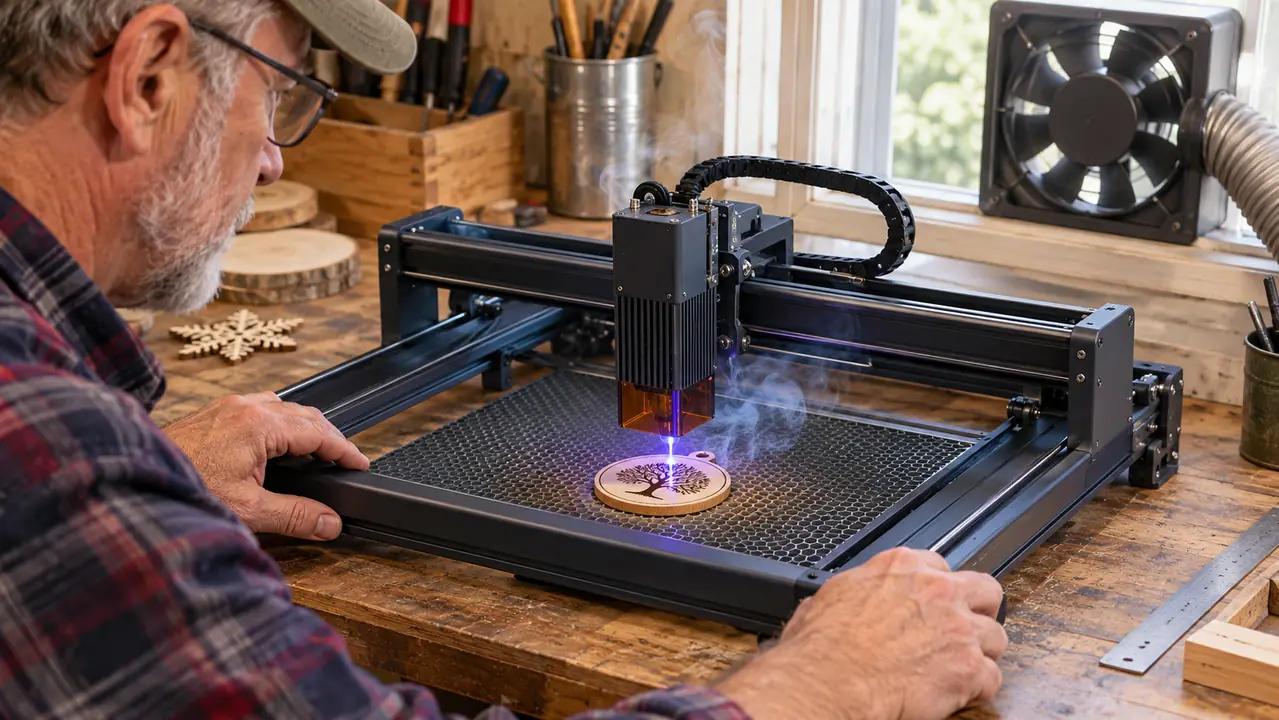
Here is the part the product page will not tell you. The Twotrees TTS-55 Pro is not a machine you plug in and forget. It is a machine you learn. The first time I used it, I expected a one-hour setup and I got a three-hour afternoon of reading, adjusting, and re-reading. I unboxed it at ten in the morning and the first test engraving ran at a little after two. There were two moments when I was sure I had broken something, and both times it turned out to be a cable I had not seated all the way. The listing mentions assembly video tutorials and a note about Windows 10. That note is there for a reason. I run a Windows laptop, so the tutorial mostly applied to me, and I still needed the whole afternoon. If you are on a Mac, or on an older version of Windows, plan even more time.
There is also the matter of figuring out where the machine wants to start. The first few times I used it, I set the origin by guess and got two ornaments that were engraved off center. Not ruined, but off center, which for a craft fair is the same thing. I learned to check the preview on the computer before I hit start, and after that I did not waste another piece. That is the kind of thing nobody writes in the reviews because it sounds too small to mention, but it is exactly the kind of thing that costs you a Saturday.
The other thing nobody tells you is that a laser engraver is a hobby that comes with a smell. Even with the window vent fan running, there is a faint burnt-wood smell that lingers in the garage for a day or two. The first time I ran a full batch, I opened the garage door for the rest of the afternoon and the smell still hung around until the next morning. Dale says he can tell when I have been engraving before he even opens the garage door. It is not unpleasant, exactly, but it is honest. If you are planning to run this in a spare bedroom or a kitchen, think again. It wants a space with airflow.
The Twotrees TTS-55 Pro is not a machine you plug in and forget. It is a machine you learn.
The Good, the Fiddly, and the Surprising
The good: the Twotrees TTS-55 Pro is genuinely capable for its size. I engraved a batch of twelve ornaments in one afternoon and every single one came out readable. The first one was a little shallow, so I adjusted the settings in the software and ran a test on a scrap piece before I committed to the rest of the batch. That is the rhythm this machine teaches you: test, adjust, then run. The 5.5W laser is enough for the kind of work a weekend maker actually does, which is mostly engraving, with the occasional plywood cut. I have engraved names, dates, and a lot of snowflakes, and the detail holds up at the size people actually hang on a tree. It is not a production machine. It is a machine for people who like making things with their hands and want a little help from a laser.
The fiddly: the setup. I will say it plainly, the first weekend was not smooth. The assembly video tutorials help, but they assume a level of comfort with software that I did not have on day one. I am a retired librarian, not an engineer. I got there, but I got there by being patient and by re-watching the videos more than once. The second time I set it up, after I had moved the machine to the shelf and back down, it took twenty minutes instead of three hours. That is the thing about this machine. The learning curve is real, but it is a curve, not a wall. You get over it and then it is just a tool.
The surprising: how much I came to rely on it. By the fourth weekend, I was reaching for the Twotrees TTS-55 Pro the way I reach for my favorite scissors. I engraved a set of gift tags for Josie's birthday in Asheville, and I made a small sign for Dale's workbench that he actually uses. It stopped being a new machine and started being a tool. The 8.23-pound weight means I can move it around the workshop when I need the table for something else, and the 10 x 4.97 x 7 inch footprint means it lives on the shelf without being in the way. I have a shelf above the pegboard that used to hold nothing but paint cans. Now it holds the machine, and the paint cans live on the floor.
What It Cuts, and What It Does Not
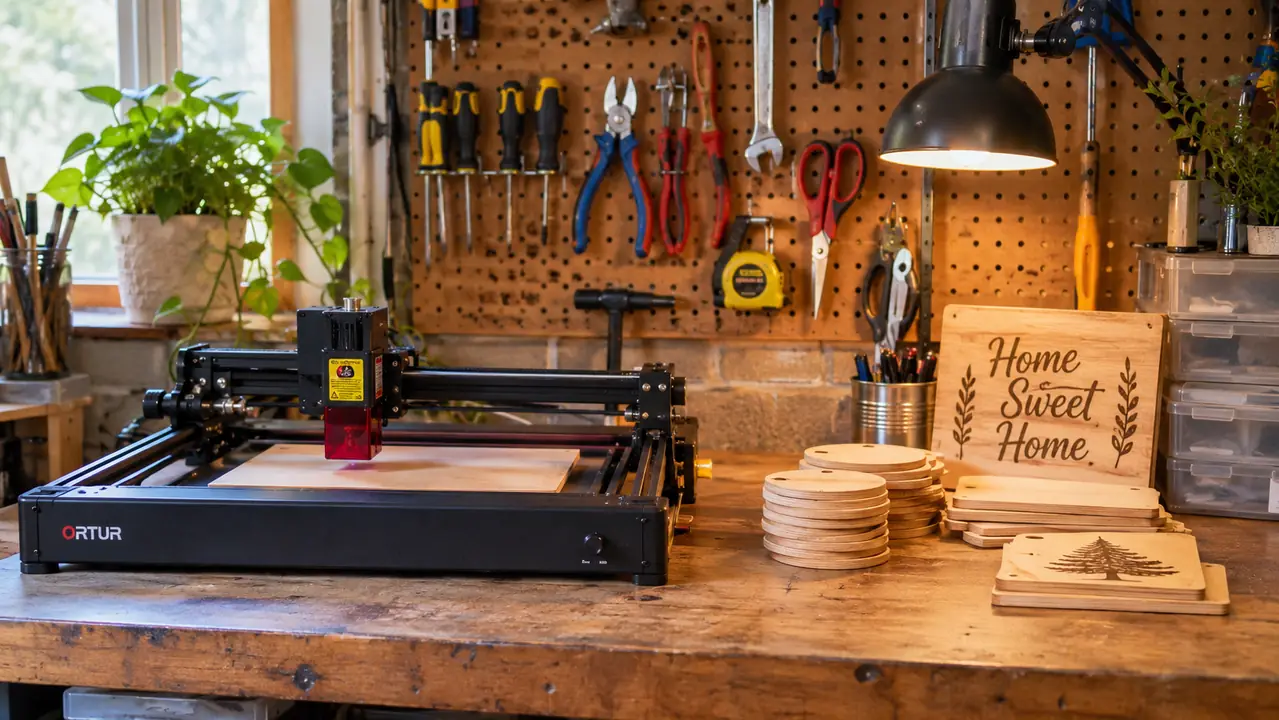
Let me be specific about the cutting because this is where I see the most confusion in online reviews. The Twotrees TTS-55 Pro will cut 5mm plywood. I tested it with the cheap plywood from the big-box store and with the nicer birch plywood I order for ornaments. Both worked, but the birch gave cleaner edges with less soot, and I did not have to sand as much. I kept a scrap of each on the shelf for a month and the birch still looked better. The first time I tried the cheap plywood, I ran the same settings I had used on the birch, and the edges came out darker. That was my mistake, not the machine's. The 3mm acrylic is possible, and I will say it again, it is not my favorite material to run through this machine. It works, but it is slow and it demands patience. I tried it on a Saturday afternoon and spent most of the afternoon watching one small piece go through. The 0.7mm leather is listed as supported and I believe it, but I have not tested it myself.
What it does not do is engrave like a machine twice its price. I have seen reviews that compare it to much larger, much more expensive lasers, and that is not a fair comparison. The Twotrees TTS-55 Pro is a 5.5W desktop engraver. It is for small projects, for ornaments, for signs, for the kind of work that fits in the palm of your hand. I learned that the hard way one Saturday when I tried to engrave a sign that was too wide for the work area. The machine stopped partway through, and I realized I had not measured before I started. That was a Saturday I do not want to repeat. I set the sign aside, cut the design down to a size the machine could handle, and finished it as two smaller pieces. It is not the same as one clean sign, but it taught me to measure first. If you want to engrave a large cutting board or a full-size sign, this is not the machine for you, and no amount of wishful thinking will change that.
What I Liked
- Small footprint: 10 x 4.97 x 7 inches fits on a folding work table and stores on a shelf
- Cuts 5mm plywood cleanly once you set up the air assist
- Light enough at 8.23 pounds to move around the workshop
- Air assist support makes a real difference on plywood edges
- The 5.5W laser handles the engraving a weekend maker actually does
Where It Falls Short
- Setup takes a full afternoon, especially the software and the assembly videos
- Small work area means large signs and cutting boards are out
- 3mm acrylic works but is slow and fussy
- Needs a well-ventilated space; the burnt-wood smell lingers
- The Windows 10 note in the listing means Mac users should plan extra time
Who This Is For
This is for the hobby crafter who wants to add engraving to what they already make. If you are like me, if you make wreaths and ornaments and small signs and you are tired of painting every detail by hand, the Twotrees TTS-55 Pro is a reasonable place to start. It is small enough to fit in a garage workshop, light enough to move around, and capable enough to do real work. I took a box of my first engraved ornaments to the fall craft fair and sold every one. It is also for the person who does not mind learning. The machine will meet you halfway, but you have to show up with patience.
I would also say it is for the person who already has a vent fan and a space that can handle a little burnt-wood smell. That sounds like a small thing until you are standing in a garage that smells like a campfire in July. Plan for airflow and you will be happy. Ignore it and you will be writing a very different review. I keep a box fan in the corner for the days when the window vent fan is not quite enough, and that has solved most of my complaints.
Who Should Skip It
Skip the Twotrees TTS-55 Pro if you want to engrave large pieces, or if you want a machine that works perfectly the first time with no learning curve. This is not that machine. It is a capable little engraver with a real learning curve and a real limitation on size. If your projects are bigger than a few inches, or if you do not have the patience for assembly videos and software setup, spend more money on a larger machine or spend your weekend on something else. I mean that kindly. There is no shame in skipping a machine that does not fit how you work.
I would also tell a complete beginner to think carefully. The first weekend with this machine is not a smooth ride. It is a weekend of learning. That is fine for me, I like learning, but it is not for everyone. If you want to open a box and have it work in ten minutes, this is not the machine for you. I have a neighbor who borrowed it for a weekend to try engraving a gift for her daughter's wedding, and she brought it back on Sunday saying she would rather pay someone else to do it. That is a fair answer. This machine rewards the person who likes the process, not just the finished piece.
Still weighing it? That is the right instinct.
The Twotrees TTS-55 Pro is a good machine for the right owner. If you think you are that owner, check today's price on Amazon and read the reviews with the same skeptical eye I used.
Amazon Check Today's Price on Amazon →